Adopt Me Scams in 2026: Every Trick and How to Avoid It
Nearly every Adopt Me scam asks you to do one of two things: hand a pet over outside a fair trade, or believe something that isn't actually in the trade window. What sits in the window when both of you press Accept is exactly what you get. Everything else is a promise.
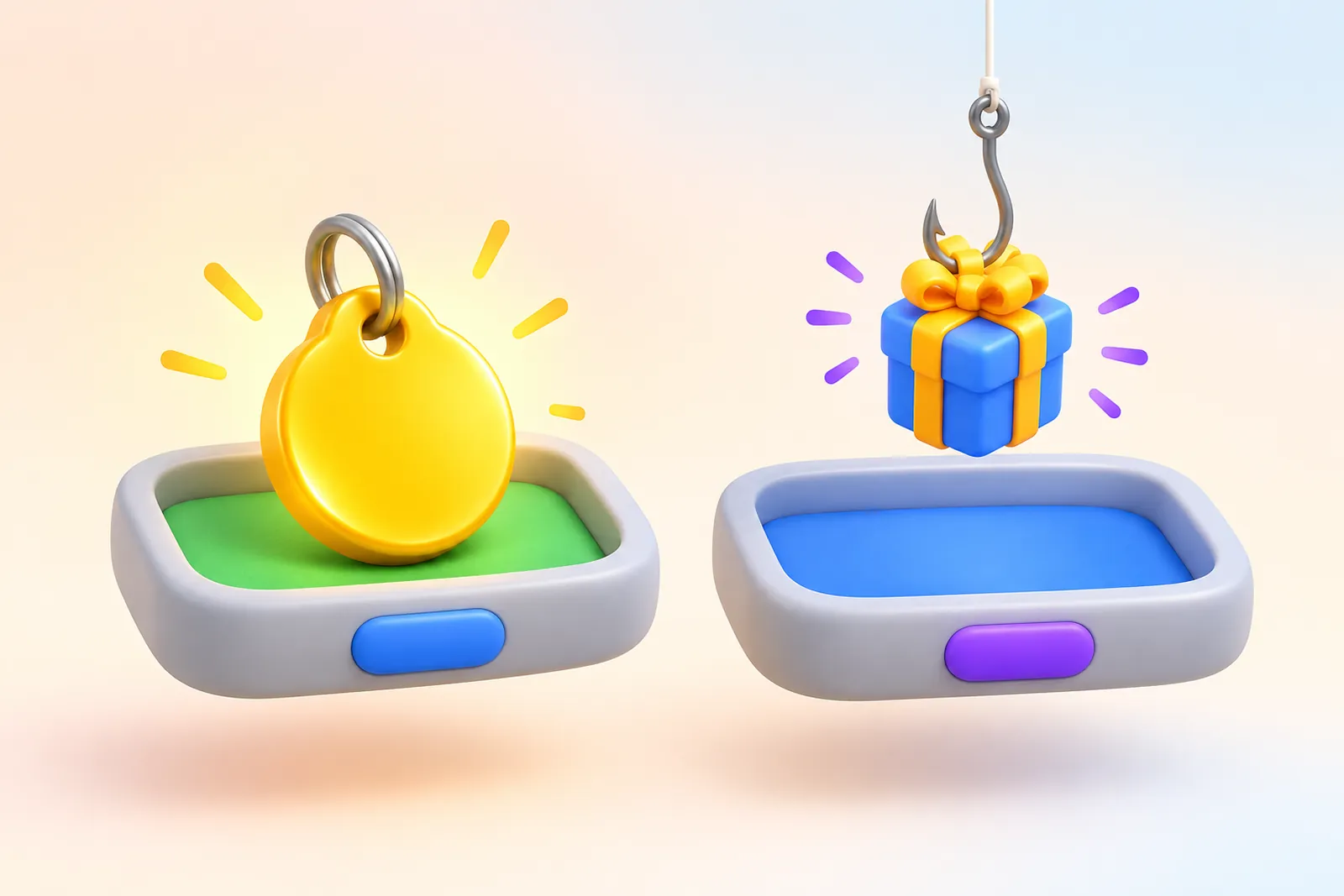
Trust trading is always a scam
Here's how it goes. Someone asks you to put your pet in, press Accept, and promises they won't accept back. It's "just a trust test." You press it. They press it too. Your pet is gone and you got nothing, or junk.
Strangers do this, and so do "friends." Saying no gets turned into guilt: "so you don't trust me?" The scammer always wants you to go first. The game itself blocks the phrase "trust trade" in chat and shows a warning instead.
The Adopt Me team put it plainly: nobody without ulterior motives will ask you to trust trade or "prove yourself." The moment trust comes up, we'd close the trade.
"Give it to me, I'll give it back": anything you hand over first
A fair Adopt Me trade happens at the same time. Both sides put items in one window and both press Accept. Any "you first, me after" setup is a scam, however it's dressed up.
The versions you'll see most:
- Give and return. They hand back a cheap pet first so you relax. Then they ask for your best one and leave the server.
- The 18+ item offer. A trade window holds 18 items max. They promise to "add the rest after," put in their cheapest stuff, and vanish.
- Pet sitting. Nobody needs your pet to raise it. Add them to your family and they can care for it without owning it.
- "I'll feed it a Ride potion, give me the pet." If they really have a spare potion, they can trade you the potion. If they won't, there is no potion for you.
- Font names, "I'll make it neon," duping. Fonts are free from any copy-paste generator, only the Neon Cave makes neons, and duplicating items is impossible.
- Robux, Stars or items from another game. Trading pets for Robux breaks Roblox rules, Stars and event currency can't be traded at all, and another game's items never fit in the window, so they'd come "later."
There's often a second account or a friend nearby, loudly confirming it worked for them. If that "witness" is on the scammer's friends list, they're part of the act.
Trade window swaps: check every slot before Accept
While you're picking items, your backpack covers most of the screen. That's when a scammer swaps a neon for a normal pet, a mega for a neon, or pulls the good item out of the last slot. You come back, the window looks familiar, you accept.
The game gives you tools, but only if you look:
- every change restarts a 5-second countdown before the green Accept button appears;
- neons carry a green N and mega neons a purple M, so check the badge didn't change;
- if the game flags the trade as unfair, both players get a warning and 15 extra seconds.
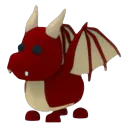
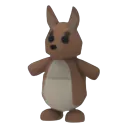
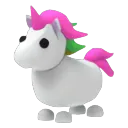
Look-alikes are their own trap: the Dragon Balloon toy passed off as a Dragon, a Kangaroo Pogo as a Kangaroo, a Unicorn Plush as a Unicorn. Pets also get renamed to look like something else, but the game shows custom names in brackets.
And the classic: "my menu is glitching, you can't see it but it's there." Trade menus don't glitch. An empty slot means nothing was put in it.
Trading scripts and forced trades: the official answer
Clips of "stealing pets with a trade script" got common enough that Jesse from Uplift Games posted an official PSA on October 13, 2026. In short: there's no way to force a trade through without already having access to your account or device. Their Head of Engineering audited the trading code again that same week.
So where do the stories come from? The team listed three causes:
- The player installed a script or extension. This spikes during events, when people promise minigame cheats. Any program with access to your Roblox client can do whatever it wants with it, trades included.
- Faked screen shares. On a TikTok stream someone can show a fake username, pets they don't own, or items that aren't in the trade. What your own game shows in the trade window is what the server treats as true.
- Shame. Getting talked into a bad trade is embarrassing, so "a hacker used a script" is easier to say.
According to Jesse, every "script" video they checked was edited or staged with alts and friends playing the victim. A trading script only hurts the person who installs it.
"I pressed Decline and the trade went through"
These reports took off after the Trading Hub launched on July 31, 2026. The developers checked: pressing Decline can't send a confirmation in their code.
Their best guess is the Trading Hub pop-ups that have no confirm step. When someone accepts your listing, a window simply tells you the trade happened, and it's easy to close it thinking you're declining. Only list what you're truly fine giving away. More on listings in Adopt Me Trading Servers, Korean Servers and the Trading Hub.
The Hub has one more trap. In listings, the 2D Kitty sticker doesn't show the purple sticker icon, so it can pass for the pet.
Fake sites, "free pets" and account phishing
These go after your whole account, not a single pet:
- "Free Robux" and "free pets" links. The sites are fake and want your login. Same for "link in bio, claim your pets" videos.
- Fake Roblox games that promise Adopt Me items for your password or a few Robux. Details in Fake Adopt Me Games: How to Spot the Real One.
- "Let me draw your avatar, send me a file." The developers say this is how players get tricked into sending a file containing their Roblox login cookies. With it, someone can enter your account without your password or two-step code.
- "Let's trade on my main, click the link." Links from trade sites, profiles and DMs with something extra between "roblox" and ".com" lead to pages that only look like the Roblox login.
A value list never needs your login. If a page asks you to sign in with Roblox, paste your profile link, or download something, close it.
Korean servers and the "join me" link
Korean servers are regular Adopt Me servers with mostly Korean players. The scam is the link: "go to my profile and you'll get into a Korean server from there." Those links lead to account theft. What these servers actually are, and why a VPN won't help, is in Adopt Me Trading Servers, Korean Servers and the Trading Hub.
Got scammed? Do this
Don't chase the scammer across servers, and don't try to scam them back. Spend that time on a report while the trade history is fresh.
- Report the trade in game. Hold your Trade License, open your history (it covers the last 30 days) and press Report. The Trade Book in the Safety Hub does the same.
- Wait for staff. If the scammer gets banned and doesn't win an appeal within 30 days, you'll get an in-game notice that the trade was reverted. Returned items become permanently untradable.
- If the scammer is still in the server, report their account through Roblox's Report Abuse.
- If your account was hacked, recover it through Roblox support first, change your password, turn on two-step verification, and only then report the trades.
Adopt Me Support says on its own page that it doesn't assist with hacks or scams; reports go through the Trade License. Contact them if you were banned and believe it's a mistake. The support team says bans are reviewed by people, and you can appeal on the support page.
A short note for parents
If your kid trades in Adopt Me, these settings and habits actually help:
- Trade License. Ultra-rare and legendary pets can't be traded without it, and getting it means passing a three-scenario "scam or safe" test in the Safety Hub.
- Trade settings. Trades can be turned off or limited to friends. Backpack viewing asks for permission by default and can be switched off entirely.
- No passwords, no files. Not to a "friend," a "moderator," or an "artist." Turn on two-step verification in Roblox settings.
- Age-based chat. Since January 2026, Roblox requires an age check for chat and matches kids with similar age groups. An adult messaging your child "come to my server" is worth reporting right away.
If a bad trade already happened, a Trade License report is the only way to get items back. Do it quickly: trade history only shows the last 30 days.
Pets in this guide
Shown: Normal · Fly Ride
Questions
What is a trust trade in Adopt Me?
You press Accept on an empty or bad offer and 'trust' the other player not to accept back. They will. A trust trade is a scam every time, even when a friend asks for it.
Can someone force a trade with a script in Adopt Me?
No. On October 13, 2026 the Adopt Me team said nobody can push a trade through without already having access to your Roblox account or device. 'Trading scripts' are usually programs that make trades from your account once you install them.
Can I get my pets back after being scammed?
Sometimes. Report the trade with your Trade License. If the scammer is banned and doesn't win an appeal within 30 days, the trade is reverted and the returned items become permanently untradable.
How do I contact Adopt Me support about a scam?
Adopt Me Support doesn't handle scams or hacks; it tells you to report the trade from your Trade License in game. Threats, harassment and suspicious messages go to Roblox through Report Abuse.
I pressed Decline in the Trading Hub but the trade went through. Is it a bug?
The developers say Decline can't send a confirmation in their code. The usual cause is a Trading Hub pop-up that only tells you your listing was accepted. If you believe it's a real bug, record a video; without one there's nothing to investigate.