Adopt Me Trading Servers, Korean Servers and the Trading Hub
An Adopt Me trading server is just a busy regular server where everyone is trading, and since July 31, 2026 the game has its own Trading Hub for trading across every server. Players run private servers too, but check any link from a stranger: a real one opens Roblox and never asks for a password or a file.
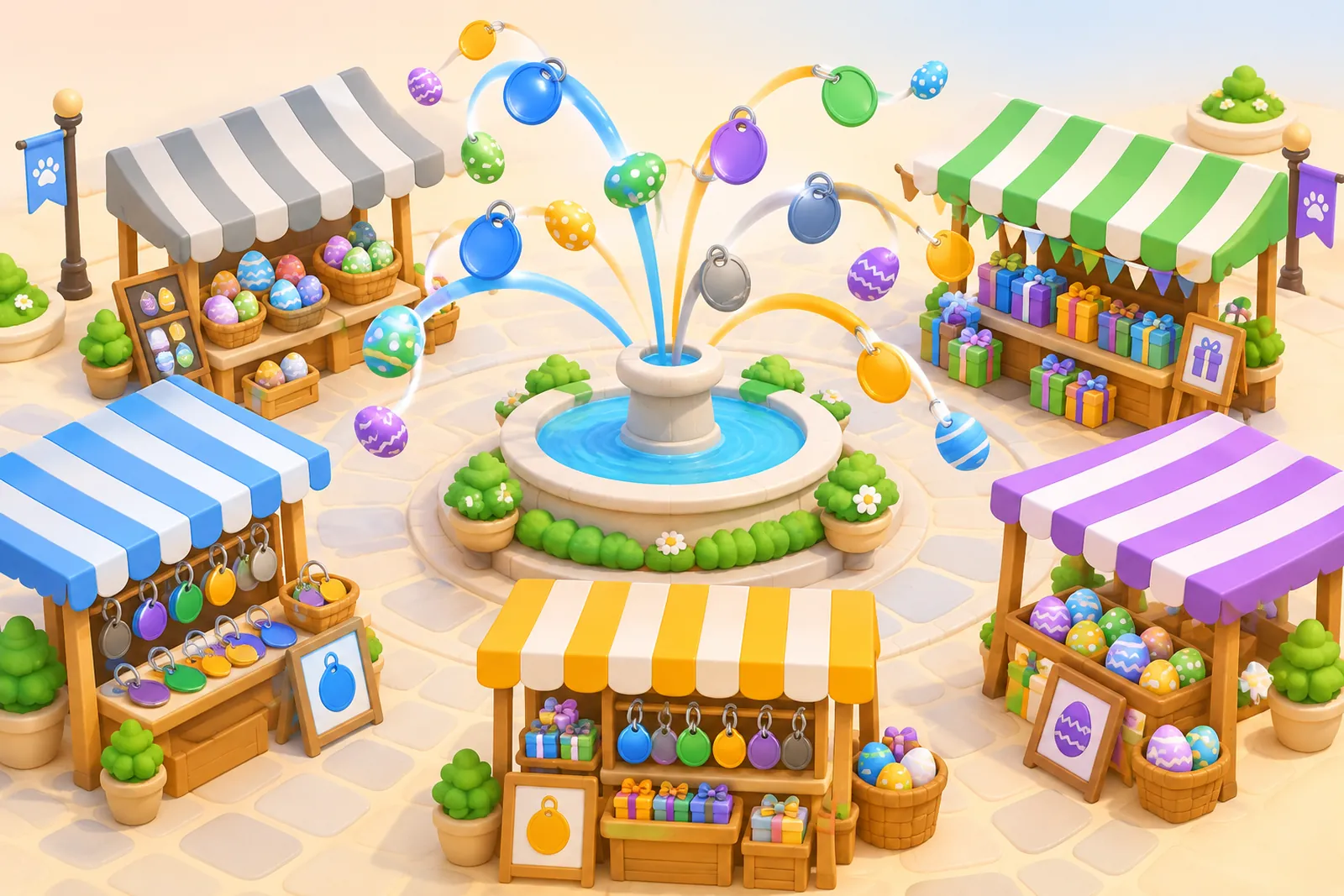
Trading, rich and AFK servers are just regular servers
Every Adopt Me server is the same game: up to 35 players, one island, one set of rules. A "trading server" is any server where a crowd is standing around with pets out, spamming offers. A "rich server" is one where everyone's holding megas and high tiers. An "AFK" or "grinding server" is where players gather to raise pets together.
You only end up in one by rejoining until you get lucky or by joining a friend who's already there. Private servers are a separate story. Players run them, mostly for grinding, and share links on fan sites and Discord. Roblox's rules for them are below.
A stranger's link to a "private trading server" or a "rich server" is one of the most common ways accounts get stolen. How to tell a real link from a fake one is at the end of this guide. Grinding servers are covered in Adopt Me AFK Corner and Grinding Servers Without Risking Your Account.
The Trading Hub is the official trading server
Since July 31, 2026, Adopt Me has the Trading Hub, a separate building where you post listings and offer on other players' listings from every server at once.
How to get to the Trading Hub
Hold the Trading Hub Phone (it's in your Toys) and press Travel to Hub. Can't find the phone? Open your Guide, go to Pets, and finish the steps up to the phone. You still need a How to Get the Trade License in Adopt Me — Test Answers to trade ultra-rare and legendary pets.
How listings and offers work
Two robots run the Hub:
- Robo-Todd posts your listing and shows you the offers on it;
- Robo-Rob searches other players' listings and sends your offers.
The numbers worth knowing:
| What | How much |
|---|---|
| Posting a listing | 100 Bucks |
| Active listings at once | 2 |
| Third slot | 49 Robux |
| When others can see your listing | only while you're in a server |
Anything you list or offer gets locked. You can't equip those pets or use them in another trade until the listing or offer is canceled. Houses became tradable in the Hub on August 7, 2026.
Why the Hub calls your offer unfair
The Hub refuses listings and offers it judges too unbalanced. On launch day the developers admitted the limits were very strict, because they were built from the old unfair-trade warnings, and promised to loosen them. If an offer bounces, check it in the trade calculator and add to the weaker side.
A listing means you've already said yes
"I pressed Decline and the trade went through" posts piled up after launch. The developers' answer: Decline can't send a confirmation in their code. When someone accepts your listing, the game shows a pop-up with no confirm step that just tells you the trade happened.
So list only what you're really okay giving up, at a price you're happy with. You can cancel a listing any time before someone takes it.
Korean servers: what they are and why people hunt for them
Korean servers are normal Adopt Me servers where most players are from Korea. Players in Southeast Asia land in them all the time without trying. Values and trade rules there are exactly the same.
The trouble is in the searching. "Korean server link" and "Korean server tutorial" usually turn up two things:
- "go to my profile, it'll put you in a Korean server" links, which lead to account theft;
- "set your VPN to Asia" tips. Roblox's rules ban hiding your location with a VPN to reach features you're not supposed to access.
We wouldn't go out of our way for Korean servers. The pets are worth the same there, and the odds of hitting a trap link while hunting for a way in are very real.
Roblox private server rules and age limits
Roblox has its own rules for private servers, including age limits:
- the game's creator has to enable them, and players buy one with Robux as a monthly subscription;
- the owner chooses who gets in, up to 50 named users or their whole friends list, and can make a link;
- players under 13 can only join friends' private servers by default, and only friends can join theirs;
- players 13 and up can limit who's allowed to add them to private servers.
Parents can lock it down further in Parental Controls: friends only, or no one.
Age checks and chat: why everyone shows their backpack
Since early January 2026, Roblox only unlocks chat after a facial age check (players 13+ can use ID instead). After that you chat with your own and nearby age groups: under 9, 9–12, 13–15, 16–17, 18–20, 21+. For players under 9, in-game chat is off by default.
So in a lot of trades the two players simply can't read each other. That's why on January 14, 2026 Adopt Me added backpack viewing inside the trade window: you can ask to see someone's inventory and suggest items to add or remove. By default the game asks permission every time.
Why not to click server links from random Discords
Trading "servers" on Discord or Telegram aren't Adopt Me, and the game's protections don't follow you there. The usual moves:
- "Join my server, here's the link." A real private server link opens the Roblox site or app and launches the game. If the link asks you to log in again, type your password or download something, it's a fake login page or a copycat game.
- "Send me a file and I'll draw your avatar." The developers say this is how people get tricked into handing over a file with their Roblox login cookies, which lets someone in without your password or two-step code.
- "Let's trade on my main, click this." A link with anything extra between "roblox" and ".com" only pretends to be Roblox.
Roblox's rules ban phishing links and pushing players to outside sites. A fair Adopt Me trade fits entirely in the trade window or the Trading Hub, and it never needs a link. More tricks in Adopt Me Scams in 2026: Every Trick and How to Avoid It.
Questions
How do I join a trading server in Adopt Me?
There's no special trading server you join by link. The official one is the Trading Hub: hold the Trading Hub Phone from your Toys and press Travel to Hub. If you don't have the phone, open your Guide, go to Pets and complete the steps up to the phone.
How do I get into Adopt Me Korean servers?
Korean servers are normal Adopt Me servers where most players are from Korea; players in nearby regions land in them often. There's no special Korean server link, and links that promise one lead to account theft.
How much does a Trading Hub listing cost?
Posting a listing costs 100 Bucks. You can have two listings active at once, and a third slot costs 49 Robux.
Does Adopt Me have private servers?
Players run private servers, mostly for grinding, and share links on fan sites and Discord. The owner decides who gets in. Players under 13 can only join friends' private servers by default.
Why does the Trading Hub say my trade is unfair?
The Hub blocks listings and offers it judges too unbalanced. On launch day the developers said the limits were very strict and promised to loosen them. If an offer won't go through, run it through a calculator and even it out.